AI Navigation
AI Exporter is more than just an export tool – it also includes a convenient AI Navigation Panel. Use it as a lightweight starting point to jump between your favorite AI platforms quickly.
🚀 1. One-Click Navigation
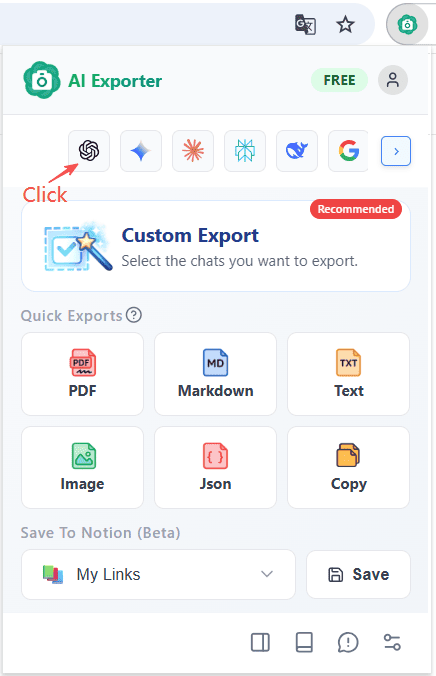
Simply click the navigation icons in the extension’s main interface to jump directly to popular AI platforms like ChatGPT, Gemini, and Claude.
📌 2. Drag & Drop Sorting
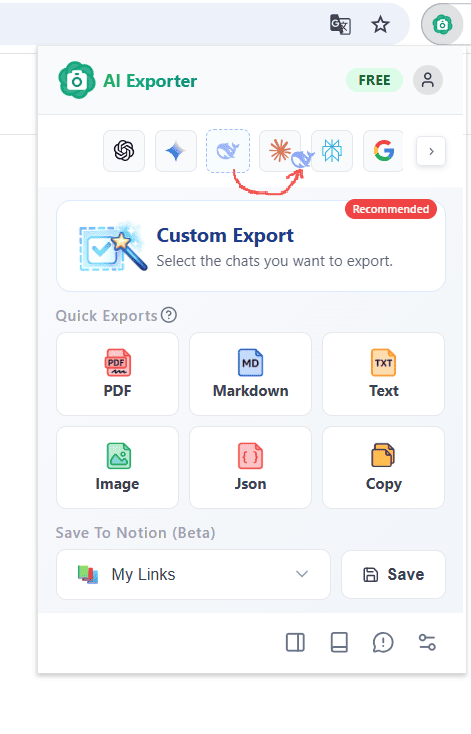
You can easily reorder the AI icons in the panel by clicking and dragging them left or right. Keep your most-used AI at the very front for faster access.
⚙️ 3. Customize Visibility & Order
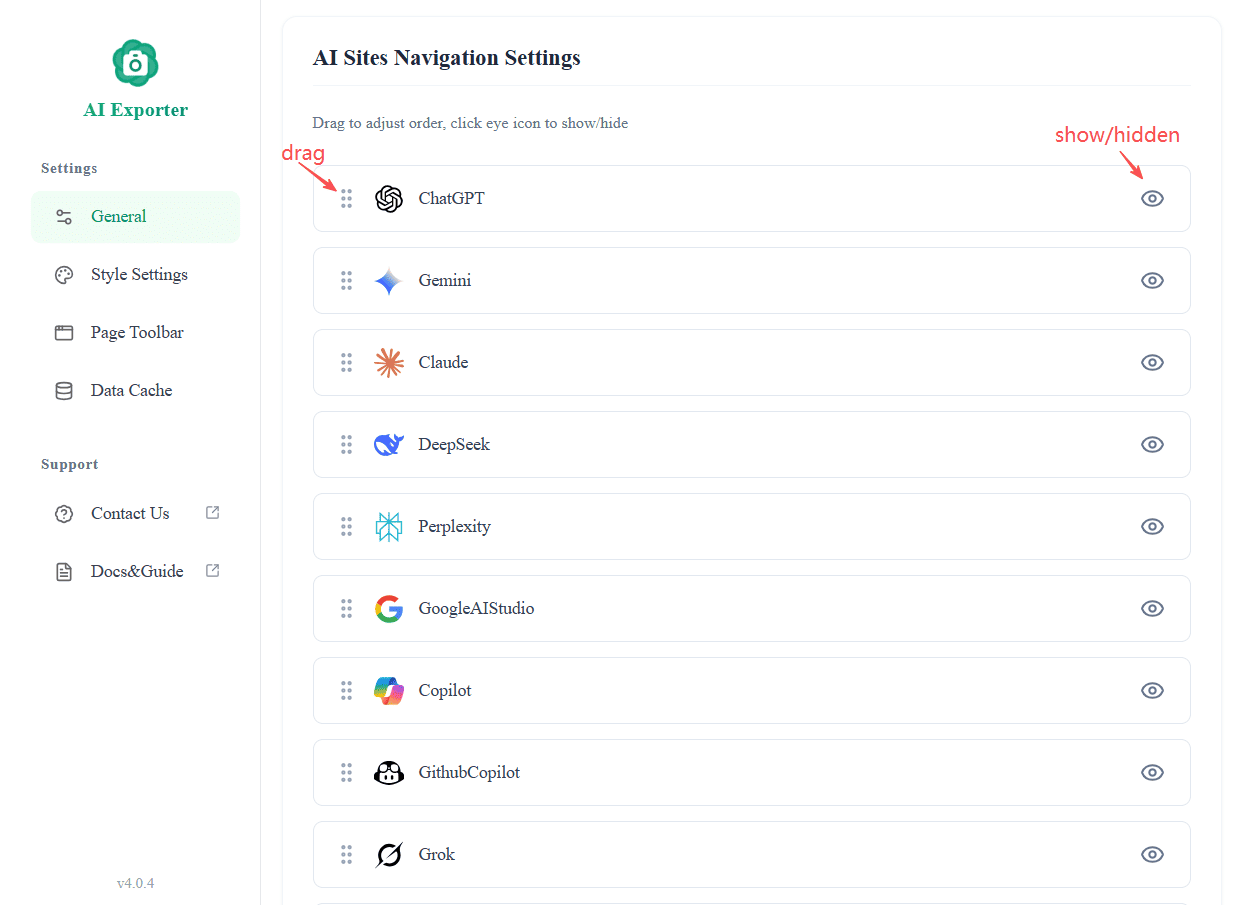
In the Settings Center, you have full control over the navigation bar:
- Show/Hide: Toggle specific AI platforms on or off based on your needs.
- Unified Sorting: You can also rearrange the order of the entire list within the settings page.