
Include Source URL
To help you track back and open the original AI conversation page from your notes, AI Exporter supports automatically including the source URL in plain text exports (like Markdown and Notion syncs).
⚙️ Enable Source URL Capturing
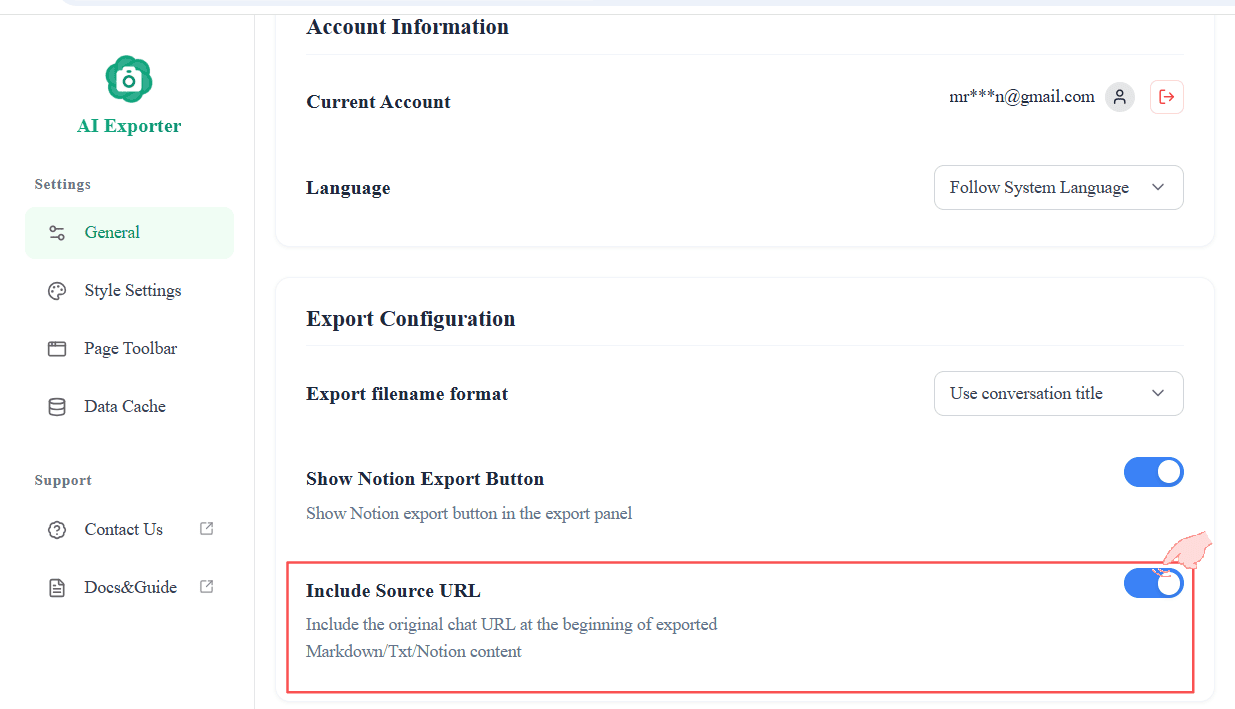
You can easily enable this feature in the Settings Center.
Once the Include Source URL toggle is set to ON, your Markdown exports and Notion pushes will include the original web link at the top.
(💡 Tip: For JSON exports, the current page link is always captured and included to maintain complete data integrity.)
⚠️ Important Exception
Cross-Page / Cross-Model Aggregated Export: Not Supported
If you are using the sidebar to aggregate and merge messages from different pages or models into a single document, the software cannot link to one single session URL. Therefore, the source URL feature is automatically disabled for these specific aggregated operations.